PeakQi.
Weddings AI SYSTEM · REAL ROLLOUT

Wedding Industry AI Suite

A wedding business whose dress, date, makeup-trial and package questions all piled into LINE. After rolling out AI intake with dress try-on and makeup previews, AI catches the routine questions first — pricing and dates stay with the team.
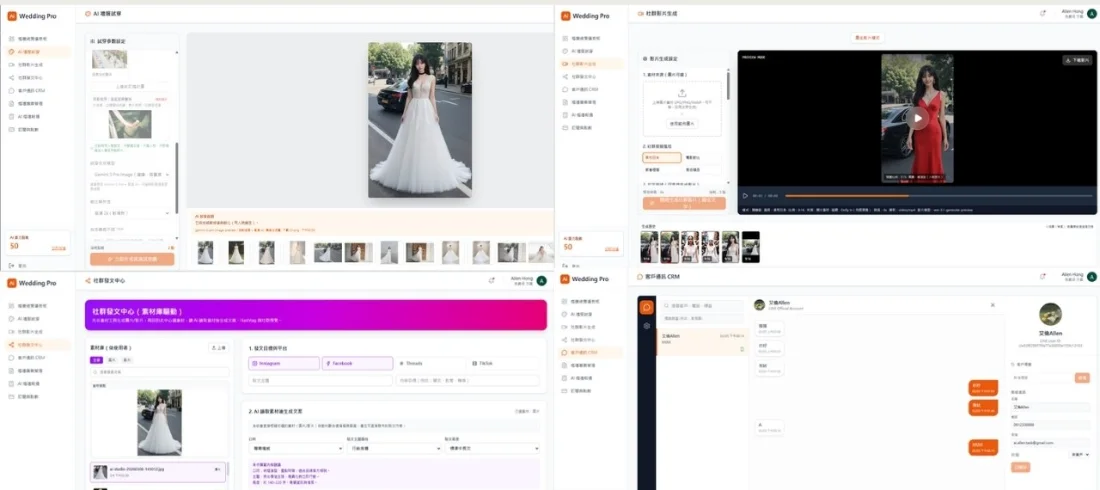
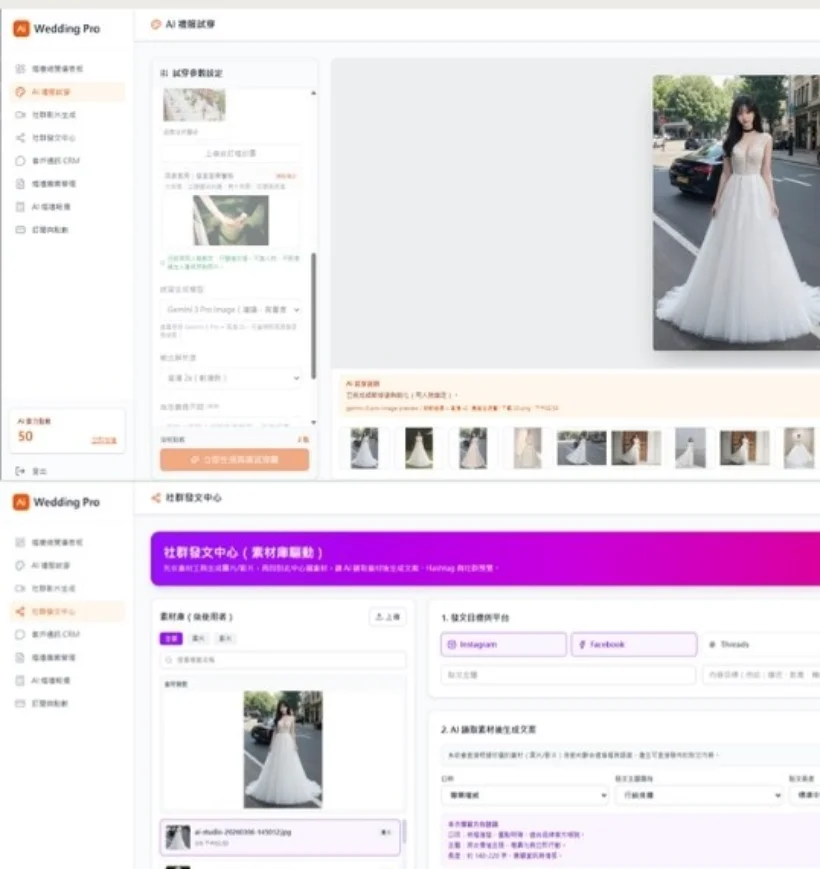
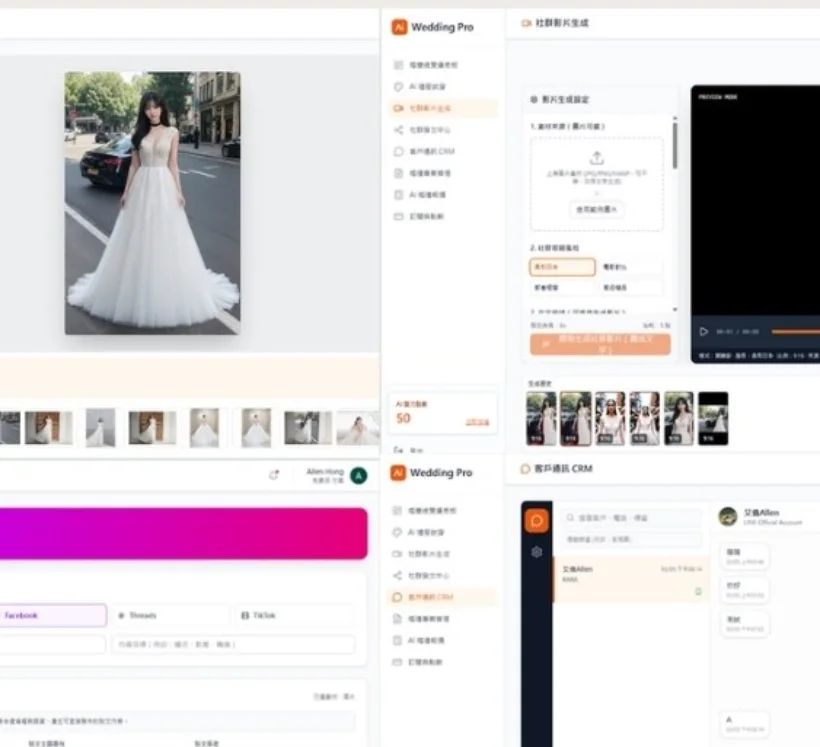
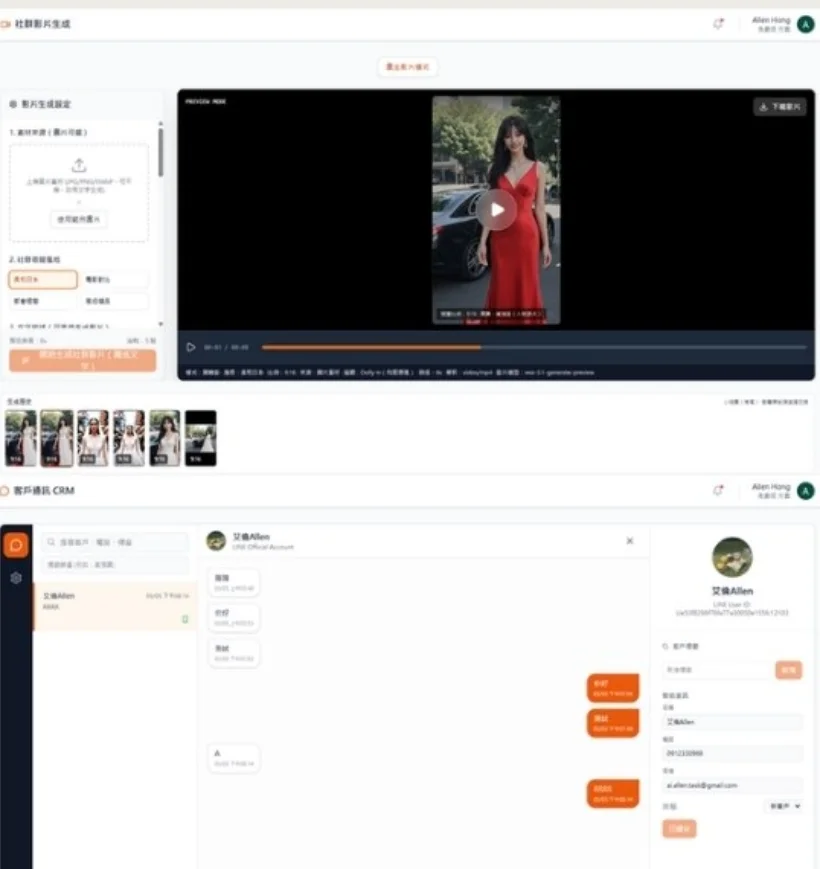
Wedding Industry AI Suite: dress try-on previews, social publishing hub and follow-up CRM
01 BACKGROUND — Client & industry

A business in weddings (presented anonymously; the client name and company size will be published once the client approves). This is a system PeakQi actually delivered and put live — screenshots are from the real product.

02 BEFORE — The workflow and the pain

Dress styles, dates, makeup trials and package questions all piled into LINE. Support answered on repeat, then re-typed everything into forms and group chats.

03 SYSTEM — Modules deployed & integrations

Dress try-on, hair and makeup previews, scene generation — plus AI intake.

MODULES
  • AI intake (catches LINE inquiries, reads the need)
  • Dress try-on previews
  • Hair & makeup previews
  • Scene generation
  • Social video & publishing hub
  • Follow-up CRM
INTEGRATIONS
  • LINE (inquiry channel)

Additional integrations are scoped per project.

04 TIMELINE — Rollout time

The exact rollout duration for this case is being compiled and not yet published. For reference: Phase 1 on PeakQi standard modules goes live in as little as 10 working days (sign Day 0 → build Days 1–4 → test Days 5–7 → calibrate and launch Days 7–10); a full vertical platform like this one starts around six weeks.

05 HUMAN — Review & exceptions

AI handles FAQs and try-on previews first; pricing, dates and special requests go to a person.

06 WORKFLOW — Inside the system
  1. A couple asks on LINE; AI catches it in 30 seconds
  2. Dress try-on and makeup previews — see the result first
  3. Needs organized into a customer card, handed to a person for details
  4. After closing: follow-ups and social content scheduled
07 COMPARE — Before vs. after
AreaBeforeAfter
Inquiry repliesSupport answered the same questions on repeat in LINEAI catches FAQs first; hands off when unsure
Try-onsDescribed in words and sample photos onlyAI previews — see the result before deciding
Data handlingInfo re-typed into forms and group chats by handNeeds auto-organized into customer cards and follow-up rhythm
08 RESULTS — Outcomes in this case
↓ ~70% support workload (this case)
close rate
8+ AI modules

※ Outcomes reported for this specific case. The measurement period, pre-rollout baseline and calculation method are still being compiled for publication; until then these figures are excluded from structured data and are not a general performance promise. Actual results vary with your process, data quality and rollout scope.

09 FIT — Who this fits, and limits
A GOOD FIT WHEN
  • Steady inquiries, but hours burned on repeat replies and manual sorting
  • Customers come in via LINE or website forms
  • You want human judgment kept: AI handles the routine only
LIMITS & PREREQUISITES
  • Actual results vary with your process, data quality and rollout scope.
  • Your team helps compile knowledge and confirm flows — that is what makes AI answers reliable
  • Custom integrations, data migration and cross-team platforms are scoped separately
10 NEXT — Next step
Apply this flow to my business → ← Back to all cases
10 GALLERY — Real product screens
Wedding Industry AI Suite: dress try-on previews, social publishing hub and follow-up CRM Wedding Industry AI Suite — dress try-on and makeup preview UI Wedding Industry AI Suite — social video and publishing hub UI Wedding Industry AI Suite — follow-up CRM and lead list
RELATED — More cases
Interior design Interior Design AI Platform Real estate Real-Estate AI Assistant (LINE OA) Beauty · Hair · Nails Beauty AI Experience