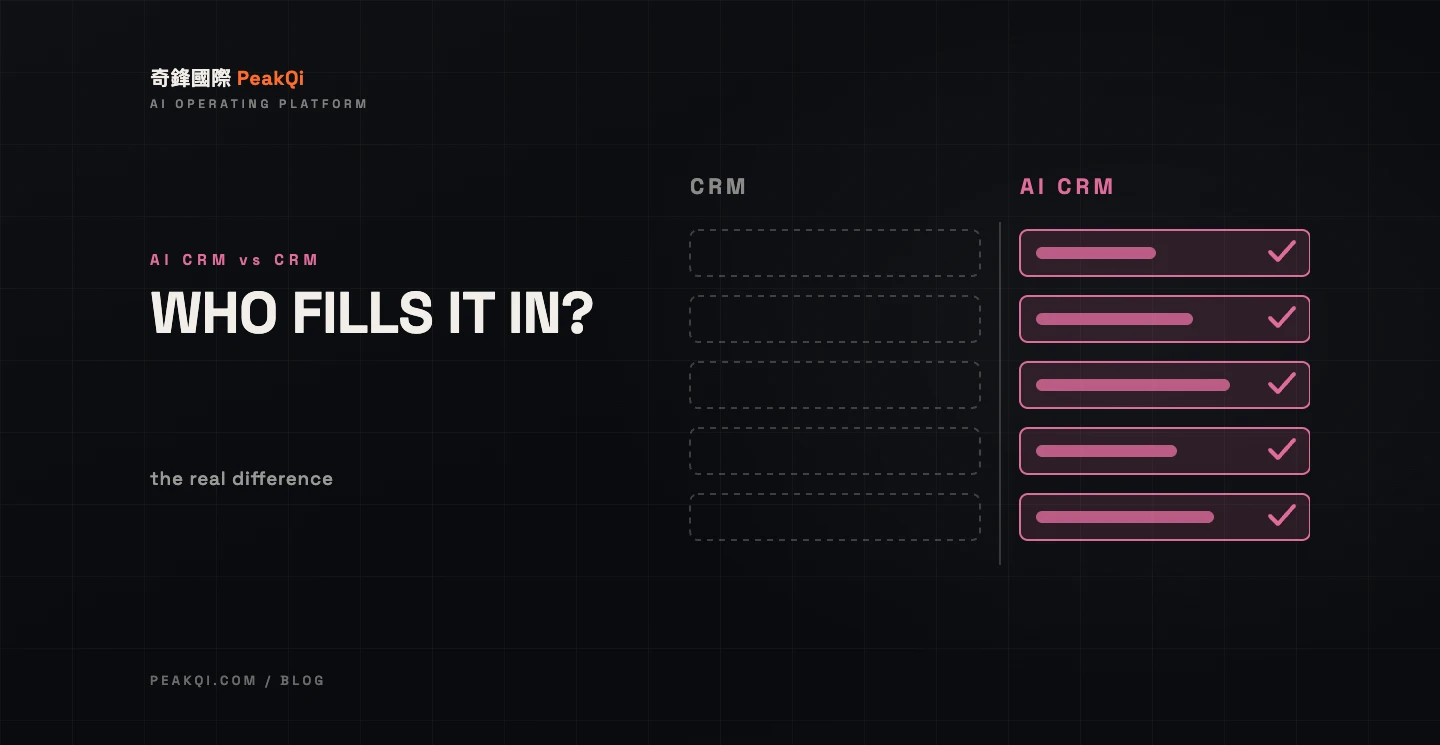
Short answer: a traditional CRM is a database you have to fill in yourself — customer details, stage, next step, all typed by sales, and if the typing is incomplete the system is useless. An AI CRM adds three layers: (1) it extracts customer details and needs from the conversation automatically, so nobody types them; (2) it lines up the next step and follow-up time based on the stage, and reminds the owner; (3) follow-up messages are drafted by AI first, then confirmed by a person before sending. The difference isn't the interface. It's who is responsible for putting data in and who is responsible for deciding what happens next. If your team already fills in the CRM reliably and enquiry volume is small, a traditional CRM is enough. If the CRM is usually empty and follow-up runs on memory, the missing piece is exactly the layer AI adds.
First, be fair to the traditional CRM: it isn't broken, it's waiting for you
A traditional CRM is built on one assumption: sales will enter the data. Who the customer is, where they came from, their budget, how far the conversation got, when to contact them next — every field is typed by a person.
In small teams that assumption often fails. Enquiries arrive on LINE, sales replies inside LINE, and the information stays in the chat. The CRM gets updated when there's time, and skipped when there isn't. The result: the CRM always has fewer leads than reality and every stage is behind, and eventually everyone goes back to scrolling through chat history anyway.
So the first question when evaluating an AI CRM isn't "what features does it have." It's: is your CRM empty right now, and why?
The three layers an AI CRM adds
Using PeakQi's own framing, customer operations split into three stages: catching enquiries, following up, and nurturing the undecided. An AI CRM mainly fills in the follow-up stage, in three layers:
Layer one: conversation becomes data, nobody types
What the customer says on LINE or in a form is read by the AI and organised into a customer record: request type, budget range, preferred time, source. For missing fields, the AI drafts a follow-up question to fill them. This layer directly solves "the CRM is empty" — because the data isn't waiting to be entered; it exists as soon as the conversation ends.
Layer two: the stage moves forward, the next step is scheduled
Once the record exists, the system knows which stage the customer is at (just enquired / quoted / deciding / closed), schedules the next step and its timing based on that stage, and reminds the owner when it's due. Traditional CRMs have reminders too. The difference is that those reminders are set by a person; here the system sets them from the customer's status.
Layer three: the follow-up message is drafted first, a person confirms
When it's time to follow up, the AI writes a draft message based on that customer's conversation history. The owner reads it, edits it, sends it. This layer saves the time spent "working out what to say" on every follow-up, while keeping human judgement in the loop — messages don't send themselves.
The differences in one table
| Traditional CRM | AI CRM | |
|---|---|---|
| How data gets in | Sales types it | Extracted from conversations; AI asks for what's missing |
| Data completeness depends on | Whether sales has time and discipline | Whether the conversation happened |
| Stage and next step | Judged and set by a person | Scheduled by the system from status; a person can override |
| Follow-up reminders | Alarms set by hand | Automatic when a stage is reached, sent to the owner |
| Follow-up content | Written from scratch each time | AI drafts, a person confirms and sends |
| Same customer returns | Someone has to remember to find the old record | Merged into the existing record automatically |
| Biggest risk | Nobody fills it in, the system idles | AI extracts wrongly and nobody checks |
| Fits when | Small volume, disciplined data entry | Enquiries concentrated in LINE/forms, steady volume, limited staff |
The last two rows are the point: both carry risk — the risk just sits in different places. The traditional CRM's risk is "nobody fills it in." The AI CRM's risk is "it was filled in wrong and nobody looked." Which one to choose depends on which of those mistakes your team actually makes more often.
When the traditional CRM is genuinely enough
Honestly, don't switch yet if any of these apply:
- Enquiry volume is small (single digits a month): you can fill it in by hand, and the time AI saves on extraction isn't worth the cost of adoption.
- Sales already fills it in: some teams have the discipline, or a manager who checks. If the CRM data is complete, what you're missing isn't AI — it might be reporting.
- Relationships run on deep conversations: high-ticket, long-cycle businesses where every customer is managed personally get limited value from turning chat into records. People already remember.
The reverse — enquiries concentrated in LINE, steady volume, and sales who "reply and forget to log it" — is the target scenario. Weddings, interior design, real estate and beauty are all typical.
How to tell whether "AI" is just a marketing word
Plenty of CRMs have added the letters "AI" and, in practice, added a chat window. Four questions separate the two:
- Who puts the data in? If the answer is still "sales has to enter it," and the AI just autocompletes a few words, that's not an AI CRM. It's a traditional CRM with autocomplete.
- Who decides the next step? Ask specifically: after the customer replies, does the system move the stage forward and schedule the next follow-up by itself, or does someone drag a card by hand?
- What happens when the AI can't decide? Wrong field extracted, request type unclear, a customer negotiating — there needs to be an explicit handoff to a human, not "our AI is very accurate."
- Do follow-up messages send automatically? If so, be careful. The mature approach is AI drafts, a person confirms. A fully automatic sender means one wrong extraction goes straight to the customer.
A vendor with concrete answers to all four has actually put AI into the process. One without them has, most likely, added a button to the interface.
Risks and limits
- Extraction won't be 100% accurate. Fields the AI pulls from conversations need human checking, especially budget and timing. Calibrate against real conversations before launch, and keep watching for the first few weeks after.
- You have to define the stages yourself. What counts as "quoted," what counts as "deciding" — every business is different. AI can't do this definition work, and a vendor shouldn't decide it for you.
- Your existing CRM doesn't necessarily have to go. If it has an API, evaluate connecting to it directly and putting the three AI layers in front. Actual scope depends on the tool and its permissions — confirm during the demo stage.
- Installing it doesn't make it work. Data comes in, the next step is scheduled — someone still has to actually follow up. The system answers "who, when and what to say," not "will anyone do it."
Common questions
Q: We use a spreadsheet as our CRM. Can we go straight to an AI CRM? Yes, and it's the most common starting point. The spreadsheet's problem is "nobody fills it in," which is precisely what an AI CRM fixes. When migrating, map the existing columns to the customer record and start with the most painful part of the process (usually logging the enquiry right after it's caught).
Q: Will an AI CRM replace sales? No. It replaces the time sales spends typing records, setting alarms and thinking up opening lines. Deciding whether to pursue, how to negotiate and when to close is still a person's job.
Q: Does a small team need owner assignment? Yes — small teams need it more. The most common failure in a three-person team is "I thought you were following up." When the system assigns an owner, that gap disappears.
Q: How long does adoption take, and what does it cost? It varies a lot with scope. Phase one on PeakQi's standard modules can go live in as little as 10 working days; pricing is split into setup fee, monthly fee and usage. Details in the full cost breakdown.
Q: Real examples? Weddings: LINE enquiries are caught, organised into a customer record and scheduled for follow-up automatically (full case study). Real estate: customer status is written to the list and the owner is reminded when it's due (full case study). For how the four links between LINE and the CRM actually connect, Connecting LINE AI support to your CRM breaks it down.
Written by the PeakQi team. The three-layer framing and the comparison table come from the design of PeakQi's own CRM module (solutions) and our adoption work. Other vendors' AI CRMs may work differently — when evaluating, go by the four questions in this article, not by the name. Published 2026-09-24.